Ordering apps for restaurants and cafés

Your restaurant or café app, with zero commission.

Your own app on the App Store and Google Play. Orders go straight into Foodics, payments go to your own account, and loyalty lives in Apple Wallet.

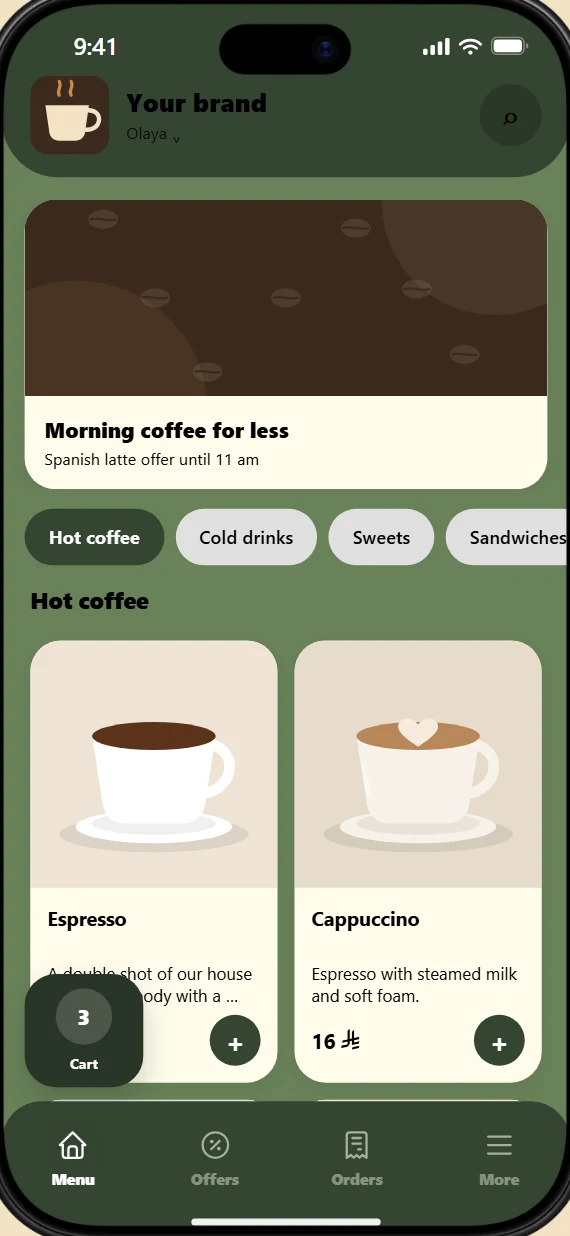
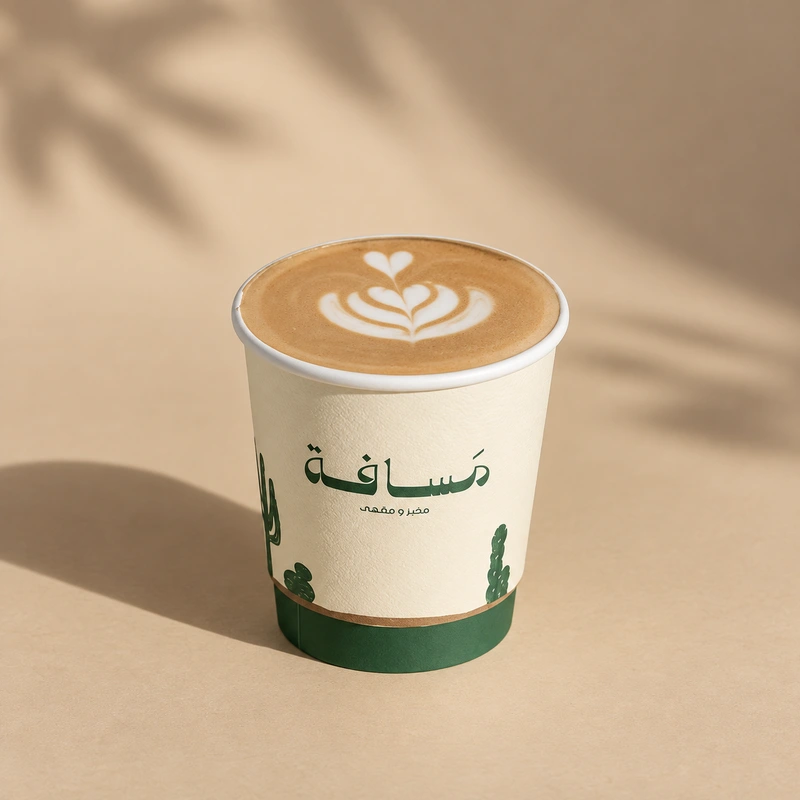
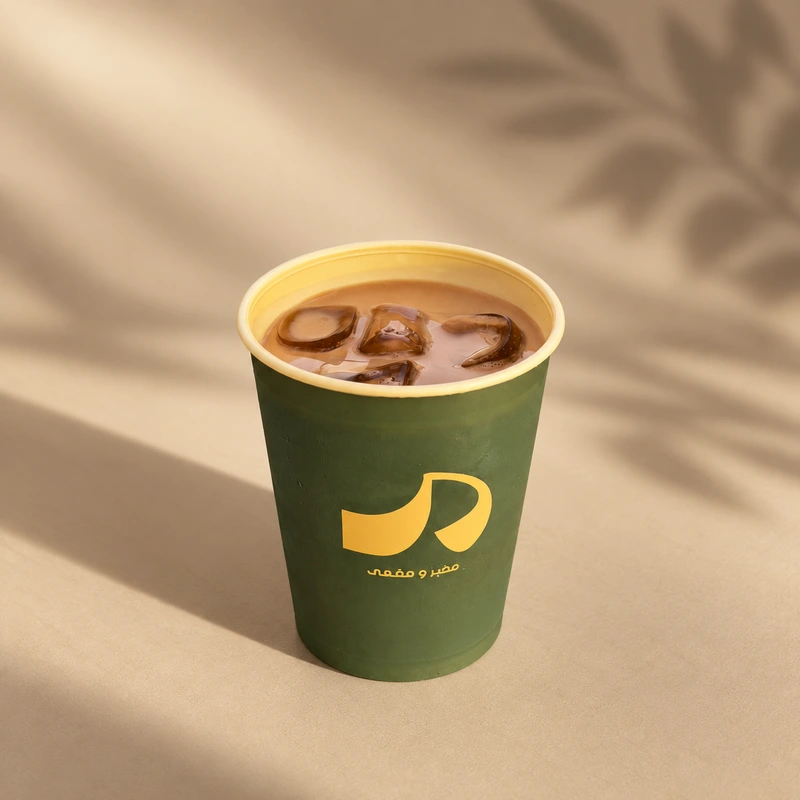
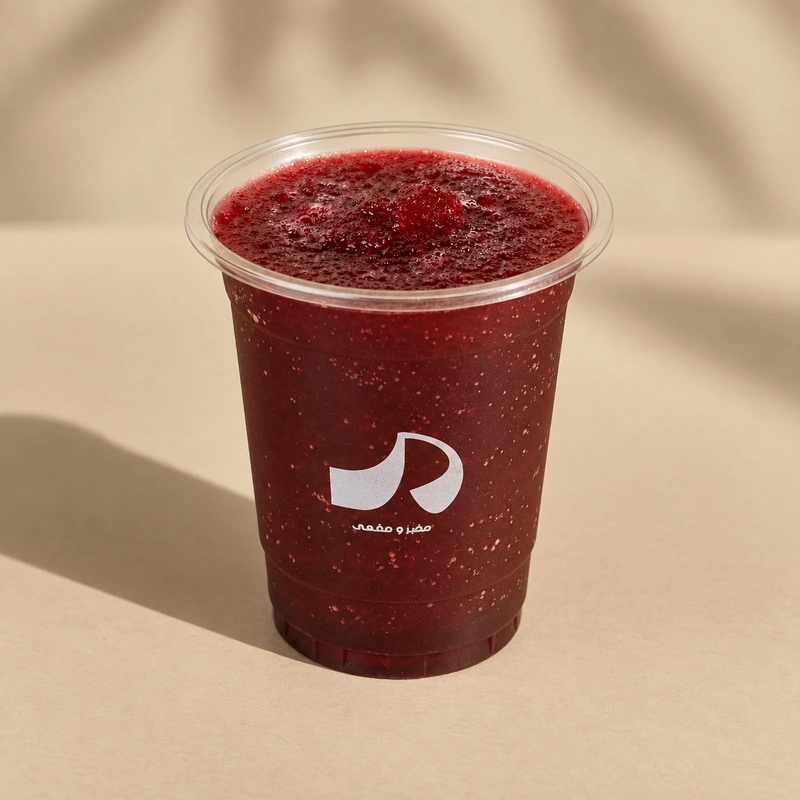
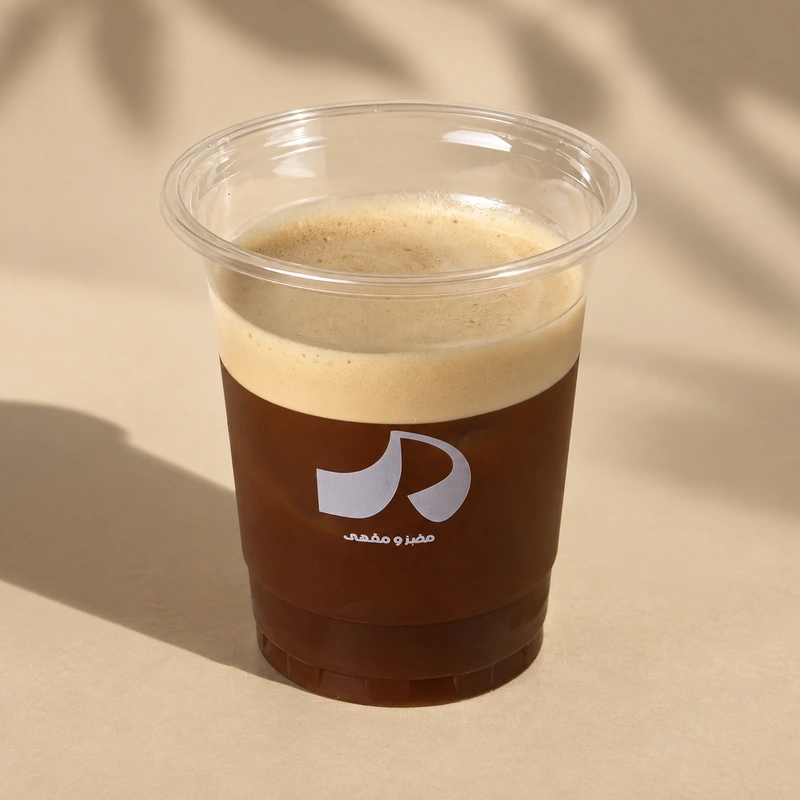
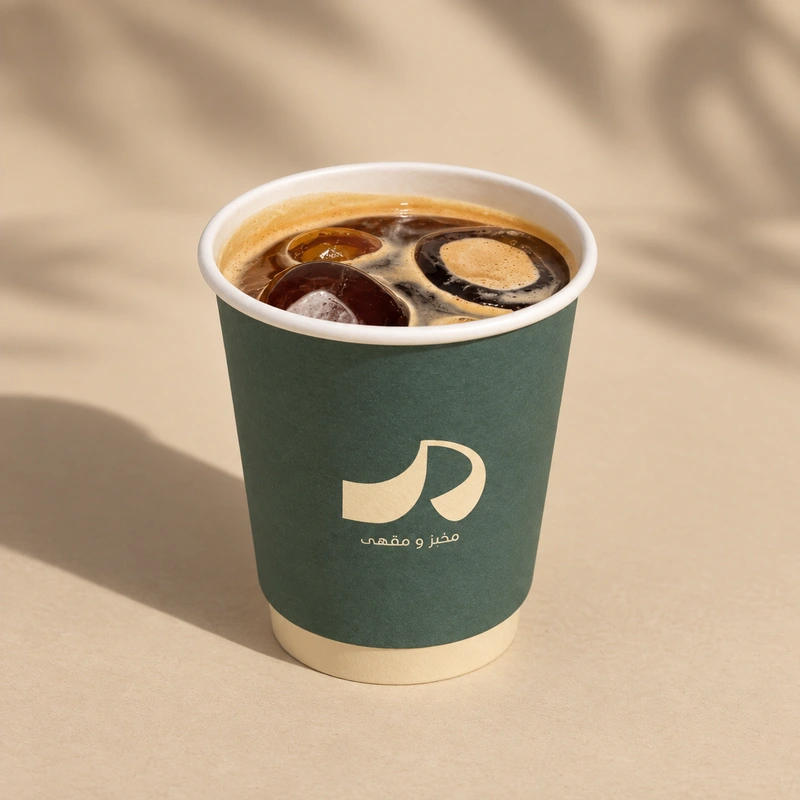
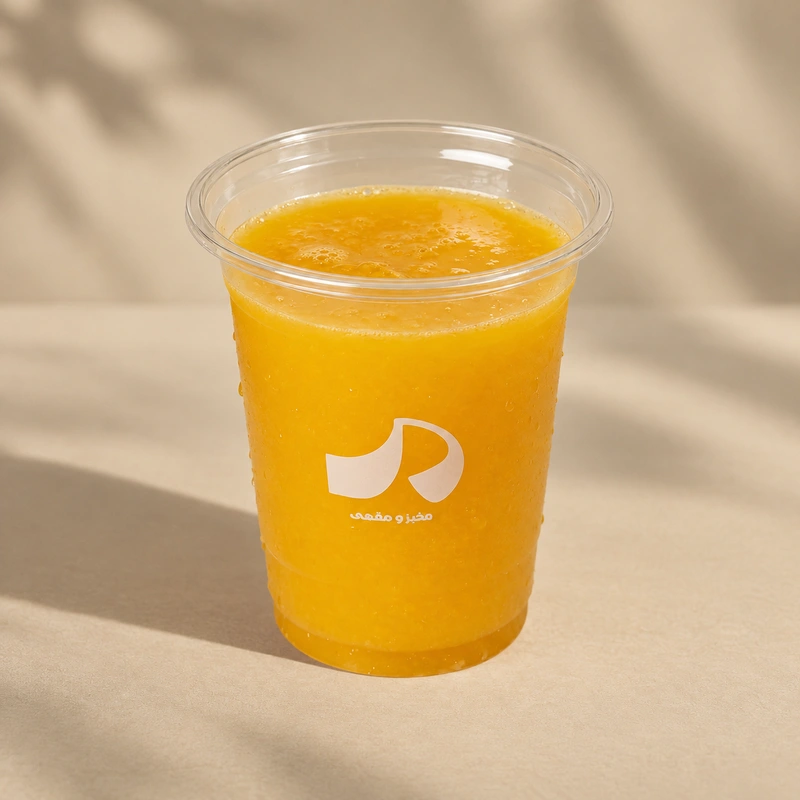
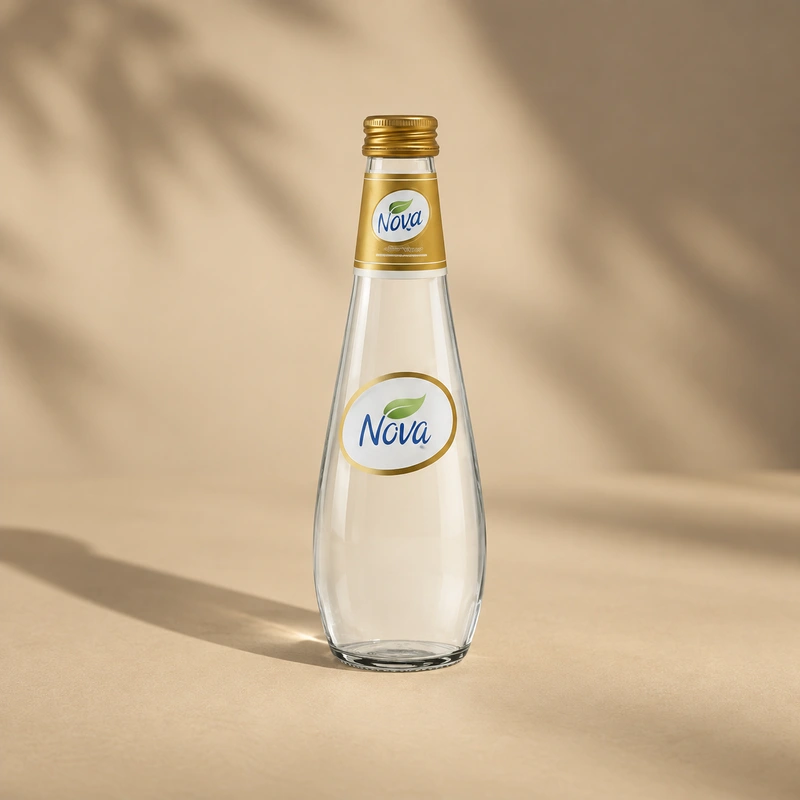
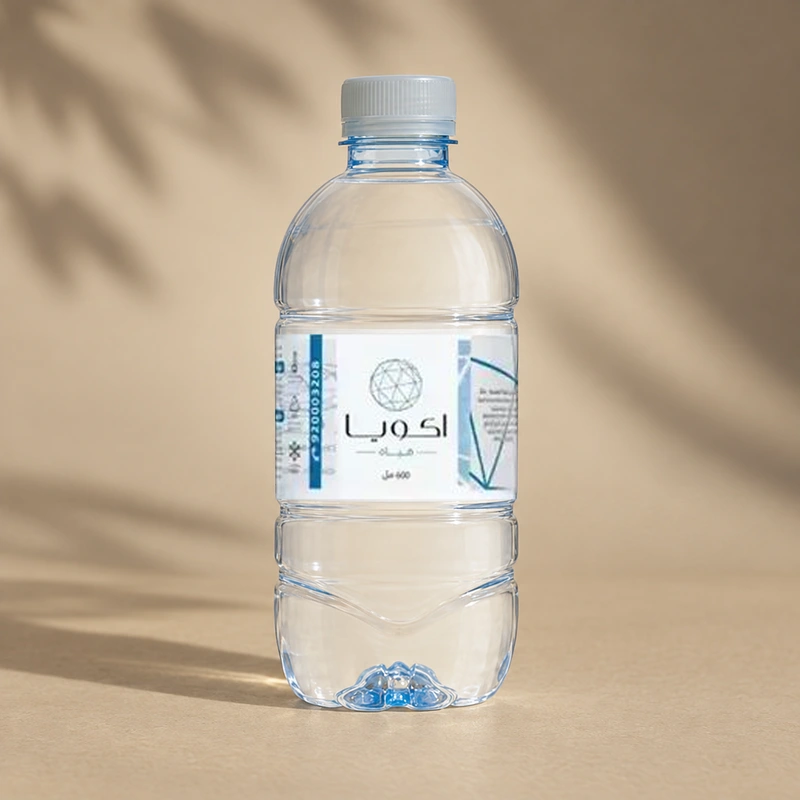
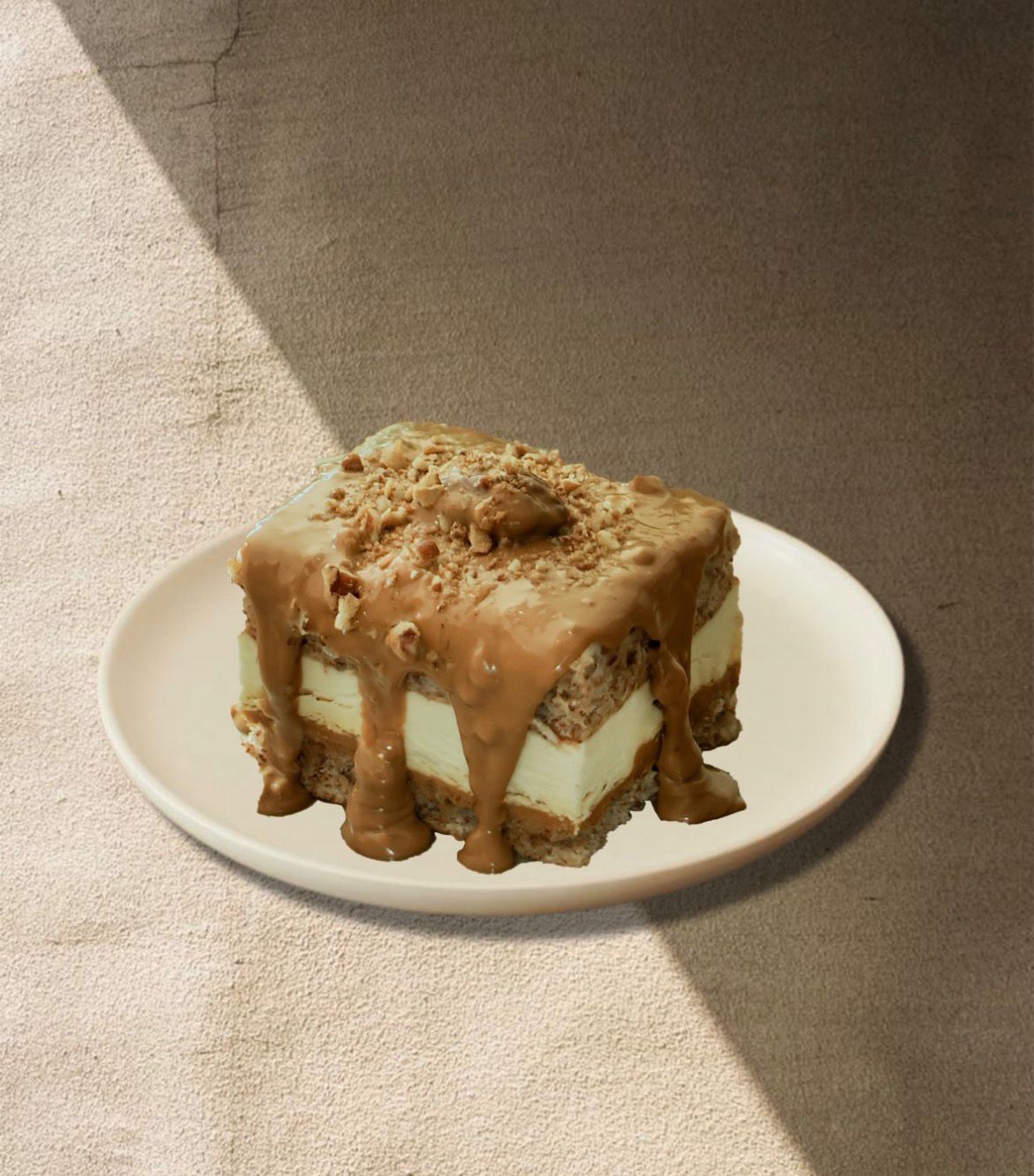
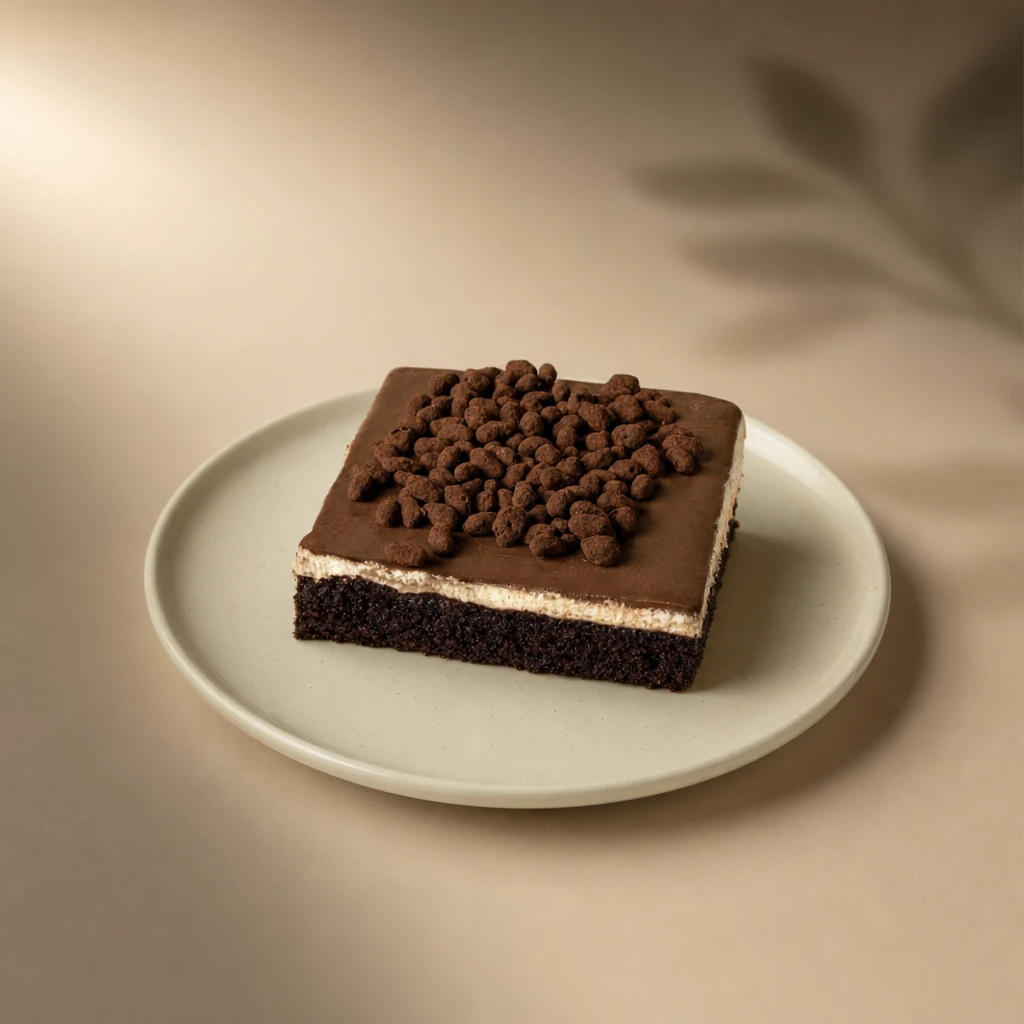
Try the designs below. The menu is a real café's menu.

Design

Theme

Colours

Fine tune25 colors · live
Some colors may not be visible
  • Top bar text is hard to read on Top bar.

You can still save these — the app shows your colors exactly as picked. Tap "Use suggested" on a line to switch that color to a readable one.

Backgrounds
Page background
Top bar
Cards
Cactuses
Text
Top bar text
Main text
Secondary text
Text on cards
Order status steps
Prices and totals
Buttons & chips
Brand colour
Text on brand
Button colour
Text on buttons
Cart button
Text on cart button
Selected chip
Text on selected chip
Unselected chips
Text on unselected chips
Links and icons
Selection indicators
Tab bar
Bottom bar
Selected tab
Unselected tabs

Screen

Live preview. Your own logo, colours and menu replace these after sign-up.
Direct Foodics connection

No new system. No new training.

Your menu is built in Foodics and flows into your app. App orders land on the same Foodics cashier your team uses every day.

  • Menu, prices and branches in syncItems and categories come from Foodics. Nooks only edits and controls them.
  • Orders straight to the cashierPaid orders reach Foodics on their own. If one doesn't, resend it from the order page.
  • Listed on the Foodics App MarketplaceConnect your Foodics account from your dashboard.

Order types, per branch

  • Branch pickup
  • Curbside
  • Delivery with Mrsool
  • Drive-thru lane
  • Dine-in

Hide an item from one order type, like espresso from delivery. Pause a busy branch or raise its prep time in one tap.

Analytics

Know which hour pays, not just which hour is busy.

Live numbers for today, the last 7 days, the last 30 days, or any dates you pick, for one branch or all of them.

Revenue

Total sales from your app in riyals, day by day.

48,320 SAR
Number of orders

How many orders came in from the app each day.

1,214
Money by hour

Which hour of the day brings in the most money. Your best hour:

11:00
Top products

Your items ranked by how many times they were ordered.

  1. Spanish latte312
  2. Flat white248
  3. Iced V60201
  4. Cold brew156
  5. Butter croissant118
Returning customers

A customer who ordered before and came back. New means this was their first order.

62%
  • Returning62%
  • New38%
Branch by branch

Sales of each branch on its own, so you can compare.

3 branches
21,480Branch 1
16,310Branch 2
10,530Branch 3
How orders are received

How your customers get their orders.

  • Pickup in store58%
  • Pickup from the car24%
  • Delivery18%
Abandoned carts

A customer added items but did not finish the order, and how many came back and finished.

41% of carts were not finished
127abandoned carts
15came back and finished
Top customers

Your customers ranked by what they spent, so you can reward the most loyal.

  1. Reem A.1,840
  2. Fahad S.1,512
  3. Noura M.1,275
  4. Khalid A.990

Last 30 days · illustrative numbers. Hover over any graph to see its details.
  • Revenue and ordersSales and order charts for any period.
  • Money by hourWhich hours bring in the most money, not just the most orders.
  • Top productsRanked by revenue, so you push what really sells.
  • New and returning customersSee who came back and how your customer base grows.
  • Branch by branchSwitch between branches or see all of them together.
  • On your phoneEvery order and number in the Nooks Manager app for iPhone and iPad.
Nooks AIYour assistant inside Nooks Manager

Nooks AI, inside the Nooks Manager app

Ask your business in Arabic. It answers, then it acts.

Nooks Manager is the iPhone and iPad app you run your restaurant or café from: orders, menu, loyalty and analytics. Nooks AI is a tab inside it. Ask about sales, orders, fees and top items for any hour, day or month. It can also prepare a change for you, and nothing happens until you approve it.

It can prepare

  • Discount codes
  • A notification to every customer
  • Out of stock items
  • Prep time and opening hours
  • Loyalty settings
  • Banners
Nooks AI models10 models from 3 companies
  • Claude Haiku 5.5Try it here
  • Claude Sonnet 5.5
  • Claude Opus 5.5
  • Claude Fable 5.2
  • GPT-6 Luna
  • GPT-6.1 Terra
  • GPT-6.2 Sol
  • GPT-6.2 Astra
  • DeepSeek V4.1 Flash
  • DeepSeek V4 Pro

Here you try Claude Haiku 5.5. You pick the others inside the Nooks Manager app.

9:41
Claude Haiku 5.5ع

Nooks AI

Left this month74%
Bought credit$0.00
Buy credit

Ask Nooks anything

PhotoFileعEN
Ask for anything…
HomeManagementMenuNooks AIMore

Your question goes straight to Claude Haiku 5.5, with no restaurant, café or customer data.
Nooks ManagerNooks Manager · iPhone, iPad and Android

The Nooks Manager app

Your whole restaurant or café, on your phone.

Run your day from the app: take orders, stop an item that ran out, send an offer and see your numbers, from anywhere. Try it below: open it, tap and scroll.

This is the Nooks Manager app itself, running here on mock data. Tap and scroll as you would on your phone.

  • Home and analyticsSales, orders, average order, returning customers and the busiest hour, for today, the week or the month, for one branch or all of them.
  • ManagementOrders as they arrive: accept and prepare them, with a kitchen screen, order history, delivery and complaints.
  • MenuStop an item that ran out with one tap and bring it back with one tap, and set each item's availability per branch.
  • Nooks AIAsk about your numbers, and it prepares the discount code or the notification. Nothing runs without your approval.
  • LoyaltyA loyalty card in Apple Wallet with cashback or points, and a quick loyalty page for the cashier.
  • MarketingDiscount codes, banners and pop-ups inside your customers' app, and notifications to every customer.
  • CustomersYour customer list with their orders and what they spent.
  • Branches and teamEach branch's hours and status, delivery, and what each staff member may do.
  • App designChange your customer app's design and colours and watch it change in front of you.

2.40 SAR

CASHBACK BALANCE

CASHBACK RATE10% back
EXPIRESNever
NKC4F8B2A71
Card colour

The real card format, shown in Apple Wallet's own English labels.

Loyalty in Apple Wallet

A loyalty card with your name, in their wallet.

Choose cashback or points. The card sits in Apple Wallet next to their bank cards and updates with every order. No extra app, no paper cards.

  • CashbackA percentage of each order back to their balance, with a cap per order if you want one.
  • PointsPoints per riyal toward rewards you pick from your Foodics menu.
  • Your card, your coloursSet the card colour, text colour and labels, and whether the balance expires.
  • Counter customers tooStaff add points or cashback from the customer's phone number in Nooks Manager.
  • Push notificationsTell everyone with your app about a new item or an offer.
  • Discount codesSet a use limit per customer, so new accounts can't reuse a code.
  • BannersA slider or a pop-up on the menu for your seasonal item.

Design features

An app that looks like your restaurant or café.

Everything in the preview above, plus the details that make it yours.

  • Squircle
  • Bold Blocks
  • Polaroid
  • Classic
  • Designs and coloursPick a design, then a ready palette or your own colours, with a live preview.
  • Icon and splash screenYour app icon, a dark-mode icon and your opening screen.
  • Design from your brand fileUpload your brand guide and Nooks AI suggests a design from it.
  • A second lookKeep a second design ready, for Ramadan or a season, and switch when you want.
  • A design made only for youOur team builds an exclusive design that no one else gets.
  • Your name in the storesPublished under your name on the App Store and Google Play.

Integrations and infrastructure

Integrations that power your business.

Tools for payments, delivery and AI, on the infrastructure behind Nooks.

Foodics

Foodics

Point of sale, menu, branches and orders for your restaurant or café app.

Moyasar

Moyasar

Apple Pay, mada and cards through your own payment account.

Mrsool

Mrsool

Delivery, once you sign up with Mrsool, connect your account and your branches are ready.
OpenAI

OpenAI

AI technology behind features in Nooks AI.

Claude

Claude

AI models by Anthropic behind Nooks AI.

Supabase

Supabase

The platform's database and real-time infrastructure.

Resend

Resend

Email services and platform messages.

CORBIT

CORBIT

SMS in Saudi Arabia for verification and messaging.

Nooks dashboard

The control panel for your business and for running the platform.

Services and integrations used in Nooks. Each one is turned on according to your account setup, the service's requirements and your agreement with its provider.

Pricing

One clear price. No commission.

Pay per branch, not per order.

199

SAR / month

Number of branches1

SAR 199 for the first branch, SAR 75 for each additional branch

0% Nooks commission on orders
  • Your app on the App Store and Google Play
  • Direct Foodics connection
  • Pickup, curbside, delivery, drive-thru and dine-in
  • Apple Wallet loyalty: cashback or points
  • Codes, banners and push notifications
  • Dashboard, analytics and Nooks Manager

Cancel any time; access continues until the end of the billing period. Card, mada and Apple Pay processing is through your own Moyasar account and charged separately.

Questions

What restaurant and café owners ask us.

Does Nooks take a commission on orders?

No. Nooks takes 0% of your orders. You pay SAR 199 a month for the first branch and SAR 75 for each additional branch. Payment processing and SMS have separate fees.

Where does the money from orders go?

To your own account. Payments run through your Moyasar account with Apple Pay, mada and cards.

Do I need Foodics?

Foodics connects your menu and sends orders to your cashier. Without Foodics, you receive and manage orders from the Nooks dashboard and the Nooks Manager app.

Will my team need training?

With Foodics, app orders arrive at the same cashier your team already uses, so the daily routine stays the same.

How does delivery work?

Connect your Mrsool account and your app can offer delivery, once your Mrsool contract and branches are ready.

Who owns my customer data?

Your business. Your customers and their order history are yours, and you can request a full export.

Can I cancel?

Yes, any time. Your subscription runs to the end of the billing period.

Let your regulars order from you, directly.

Your restaurant or café app, connected to Foodics, with zero commission on every order.

Support0502796459support@nooks.space